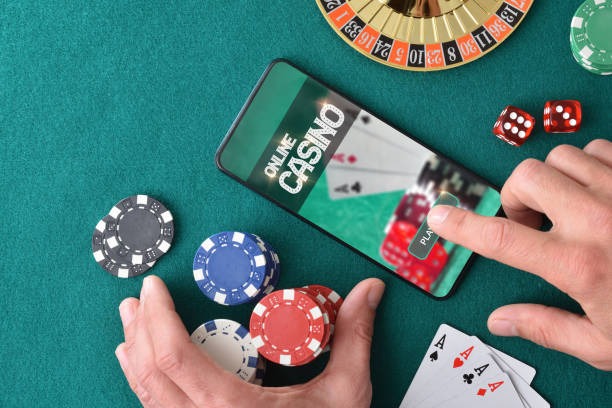
How to access ltd toto on mobile
We provide three main paths to access ltd toto on your mobile device. Each path offers the same account, wagers, and payment methods — you choose based on your device and preference.
Android APK
Download the ltd toto APK directly to your Android device. Supports Android 7.0 and above. Fastest performance and offline features.
Download APKiOS Browser
Access ltd toto through Safari on iPhone or iPad. No app store required. Works on iOS 12 and above. Responsive design optimized for all screen sizes.
Open in SafariWeb App
Access ltd toto from any browser on any device. No download required. Same features as the app. Works on desktop, tablet, and mobile.
Open Web AppInstallation steps for Android APK on ltd toto
-
1
Download the APK fileStep 1
Visit the ltd toto download page and tap the Android APK link. Your browser will begin downloading the file to your device.
-
2
Enable unknown sourcesStep 2
Go to Settings > Security and enable "Unknown Sources" to allow installation from outside the Play Store. This is required for APK files.
-
3
Install the appStep 3
Open your file manager, find the downloaded APK, and tap it to begin installation. Follow the on-screen prompts to complete setup.
-
4
Log in or registerStep 4
Launch the ltd toto app and sign in with your username and password, or create a new account. Your account is the same across all platforms.

App vs. browser on ltd toto
The Android APK app on ltd toto offers offline caching — key market data, your account balance, and recent wagers load instantly even without internet. Push notifications alert you to live updates during Liga 1 matches, Piala AFF tournaments, and other events. The app also uses less data than the browser version and provides faster settlement notifications. The browser version works on any device and requires no download, but relies on an active internet connection and may use more bandwidth. Both paths use the same encryption and security protocols, so your choice depends on convenience and device preference.
Same account across all platforms
Your ltd toto account, balance, and wager history sync instantly across Android, iOS, and web. Log in from any device and your data is current.
Device compatibility for ltd toto
The Android APK requires Android 7.0 or later. Most devices from the past five years meet this requirement. The iOS browser path works on iPhone and iPad running iOS 12 or later. The web app works on any device with a modern browser — Chrome, Safari, Firefox, or Edge. We recommend a screen size of at least 4 inches for comfortable navigation, though the app adapts to smaller screens. If your device is older than these specifications, the web app may load slowly or display formatting issues, but it should still function.
Troubleshooting common installation issues on ltd toto
If you see a security warning during Android APK installation, this is normal — Android flags any app installed outside the Play Store. The warning does not mean the app is unsafe. We sign our APK with a certificate that Android recognizes. If installation fails, check that you have enabled "Unknown Sources" in Settings > Security. If the app crashes after launch, try clearing your device cache (Settings > Apps > ltd toto > Storage > Clear Cache) and restarting. If you cannot download the APK, check your internet connection and try again. If you see a certificate error on iOS, this may indicate a network issue — try connecting to a different Wi-Fi network or using mobile data instead.

Data, permissions, and account security on ltd toto
The ltd toto app requests permission to access your device's storage (for offline caching), location (optional, for regional payment methods like DANA and e-wallet), and notifications (for live updates). We do not share these permissions with third parties. Your login credentials are encrypted in transit and at rest. Two-factor authentication is available in your account settings — we recommend enabling it for added security. Your wager history, balance, and personal data are encrypted on our servers. If you lose your device, you can log in from another device and your account remains secure. If you suspect unauthorized access, change your password immediately and contact our support team.